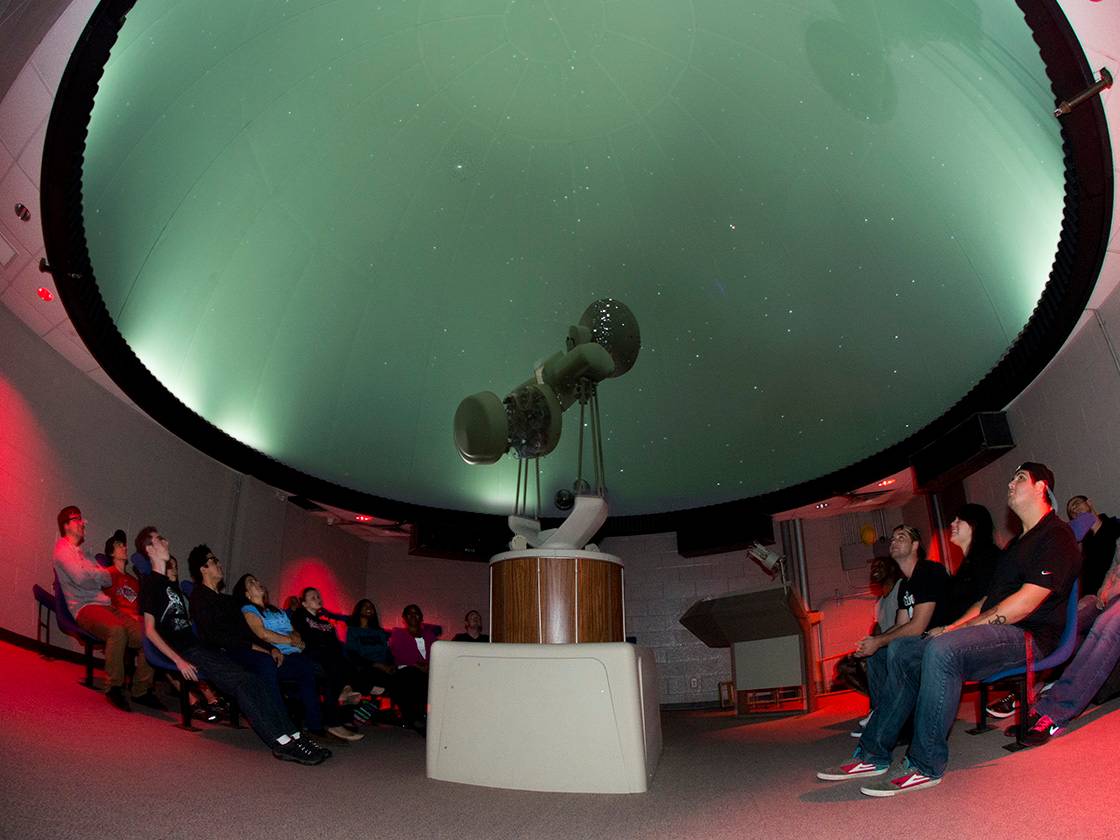
Telescope
CCD camera
- SBIG ST-9XE, 512 x 512, 20/micron/pix
- Field of view: 10 arcmin
Software
Starting Procedure
- Turn on the Robofocus box (the box is placed by the telescope mount) and switch on the power to the dome.
- Software: open the Robofocus program. Click on "User Button 1". This will turn on the camera and telescope.
- Software: open the Digital Dome Works (DDW) program. Click to open the upper shutter first, and wait until it is fully open. Click to open the lower shutter, and be prepared to stop the motor manually, by clicking stop in the program. The lower shutter motor never stops unless we shut it down on the program.
- Software: open the SkyX Professional (SkyX) program. Click on the Start Up drop down menu, and select Find Home. Wait until you hear two distinct beeps from the telescope. Now the telescope will be tracking. After that, enter the name of an object on the "Search for" prompt. Then click on Find. Wait until telescope repositions itself. Dome will also move to adjust to the new position after the telescope has stoppped.
While Observing
If taking a sequence of images with MaxIm DL, you will perhaps want to turn off the dome tracking, because it makes everything vibrate too much.
Ending Procedure
- Software: in SkyX, go to the top menu and select Telescope -> Telescope Setup. On the new window that pops up, go to Mount Setup, and in the drop down menu select Disconnect. Wait until the program says mount is disconnected.
- Software: in DDW, click on Home, because the shutters only close if the dome is in the home position. You must close the lower shutter first. When the lower shutter seems fully closed, you will hear a different pitch from the motor: wait about 3 seconds with this higher pitch to make sure the lower shutter is fully closed, then turn off its motor by clicking it off in DDW. Only now you may shut down the upper shutter. The upper shutter doesn't need extra attention as the lower shutter: just make sure you wait until the procedure is completely over, you hear nothing else, and the shutters are all fully closed by visual inspection.
- Software: in the Robofocus program, unclick the button "User Button 1".
- Finally, for a while at least while the telescope is not being used regularly, we should turn off the power to the dome, and turn off the Robofocus box that is placed by the telescope mount.


Contact Us
Ammerman Campus Science Department
533 College Rd.
Smithtown Science Building
Selden, NY 11784
Physical Sciences
Jonathan Brockman
Academic Chair of
Phone: (631) 451-4904
Fax: (531) 451- 4433
Jing Yi Chin
Assistant Academic Chair
(631) 451-4304
Life Sciences
Vladimir Jurukovski
Academic Chair
Phone: (631) 451-4362
Rosa Gambier
Assistant Academic Chair
Phone: (631) 451-4641
Eastern Campus Science Department
121 Speonk-Riverhead Road
Shinnecock Building
Riverhead, NY 11901
Theodore Koukounas
Academic Chair
(631) 548-2670
Michael J. Grant Campus Science Department
Crooked Hill Rd.
Sagtikos Arts and Sciences Building
Brentwood, NY 11717
Richa Rawat Prakash
Academic Chair
(631) 851-6549
Central Admissions
Phone: (631) 451-4414
Fax: (631) 451-4415
admissions@sunysuffolk.edu
Office Hours
Monday - Friday
9:00 a.m. - 5:00 p.m.
