Activate and Access Your Suffolk Email
As a student at Suffolk you have access to Microsoft Office 365, which includes Outlook email. All official communication from the college, class cancellations, school closings, bill reminders, etc. will be sent electronically to the student’s college email account. Additionally, this is the preferred communication method for college professors.
To activate and access your Suffolk email:
1. Log in to the Suffolk Login Portal: Go to the College homepage at sunysuffolk.edu and click Login, or go directly to sunysuffolk.edu/login
2. Click on the Mail- - MS Outlook tile
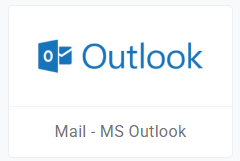
3. Enter your full Suffolk email address (username@mail.sunysuffolk.edu) and follow the prompts to activate and set it up for the first time.
Add Your Suffolk Email to Your Mobile Device
Download Outlook on your device and configure the email automatically following the Microsoft instructions according to your device:
