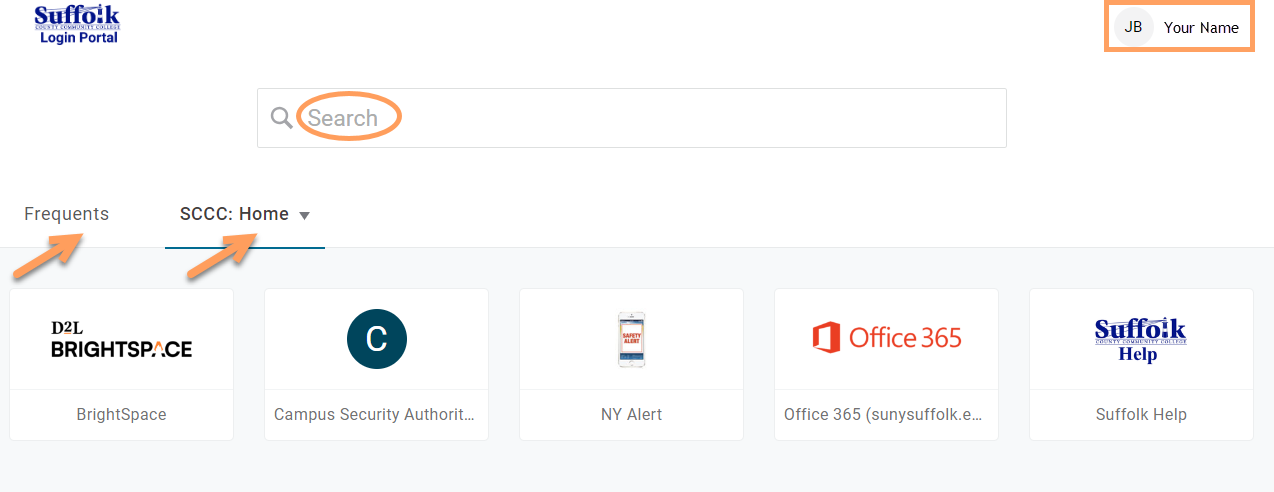
The Suffolk Login Portal gives you access to the systems you need at the college, such as: Brightspace, Outlook Email, Office 365, the Student Dashboard, among others.
Once your account has been created (you have a username and password) and the MFA is set up, access the Suffolk Login Portal as follows:
1. Go to the College homepage at sunysuffolk.edu and click Login, or go directly to sunysuffolk.edu/login

2. Enter your Suffolk username and click Continue

3. Enter your password and click Continue again

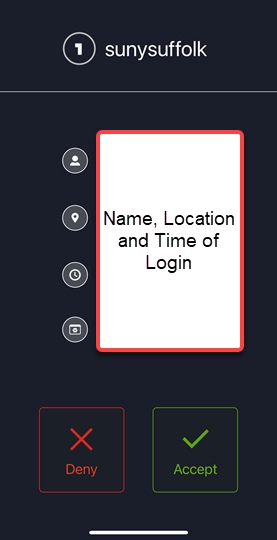
4. Accept the notification sent to your device or enter the code and click Continue to authenticate and log in.
- If you set up the Protect app and allowed notifications, accept the notification sent to the app
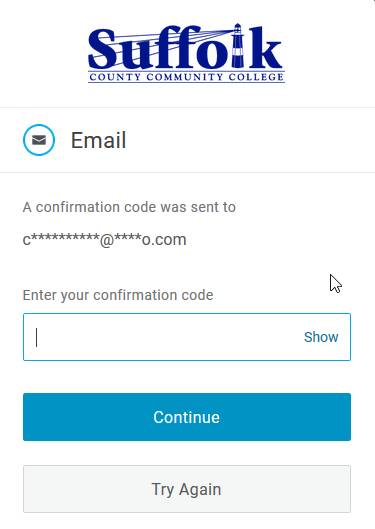
- If you set up a personal Email, enter the code sent to your Email
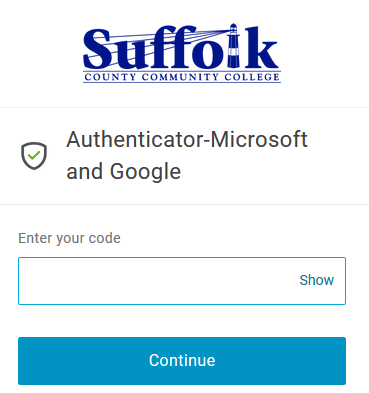
- If you set up the to the Authenticator app, enter the code sent to the app
You will be logged in to the Suffolk Login Portal. When you first log in, the most frequently used apps will show under the Frequents tab. You can also go to the next tab, SCCC: Home or Everything and double click to see the menu and find more apps, or use the Search bar to find what you need.