Access Teams for Virtual Meetings
The virtual meeting software used at Suffolk is Teams. All faculty and students at the college have an M365 subscription, which allows everyone to utilize the Microsoft Teams app.
To access Teams:
1. Log in to the Suffolk Login Portal: Go to the College homepage at sunysuffolk.edu and click Login, or go directly to sunysuffolk.edu/login
2. Search for Teams using the search bar and click on the MS Teams tile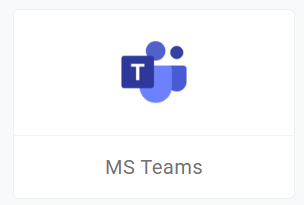
- If you have the Teams app installed on the device, open it by clicking on Open Microsoft Teams
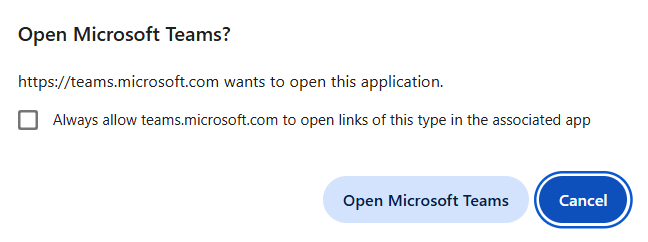
- If not, click on cancel and click on Use the web app instead
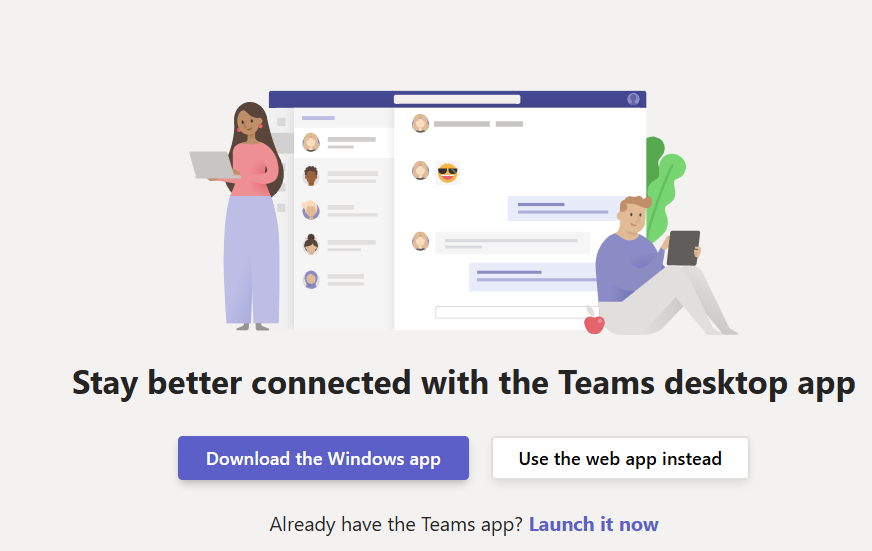
3. Enter your full Suffolk email address (username@mail.sunysuffolk.edu) if prompted.
Alternatively, you can sign into Microsoft Office 365 (M365) and select the Teams app from the Apps section on the left menu.
Using your full Suffolk email address to sign in, you will have access to the teams you are part of and will be able to participate in them.
Access a Previously Created Team
Watch the following video for step-by-step instructions on accessing a previously created team using your guest profile: